A119 V3 with GPS 2K 2560*1600P 30FPS Quad HD+ Car Dash Cam
Overview Spec Compare Accessories Video FAQ Review
A119 V3 with GPS 2K 2560*1600P 30FPS Quad HD+ Car Dash Cam - Viofo - official
1/11
Image
Video

A119 V3 with GPS 2K 2560*1600P 30FPS Quad HD+ Car Dash Cam

Sale price$114.49 Regular price$119.99
Save 5%
Quantity:

Optional Accessories

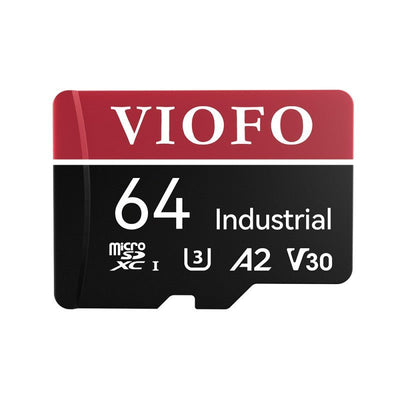
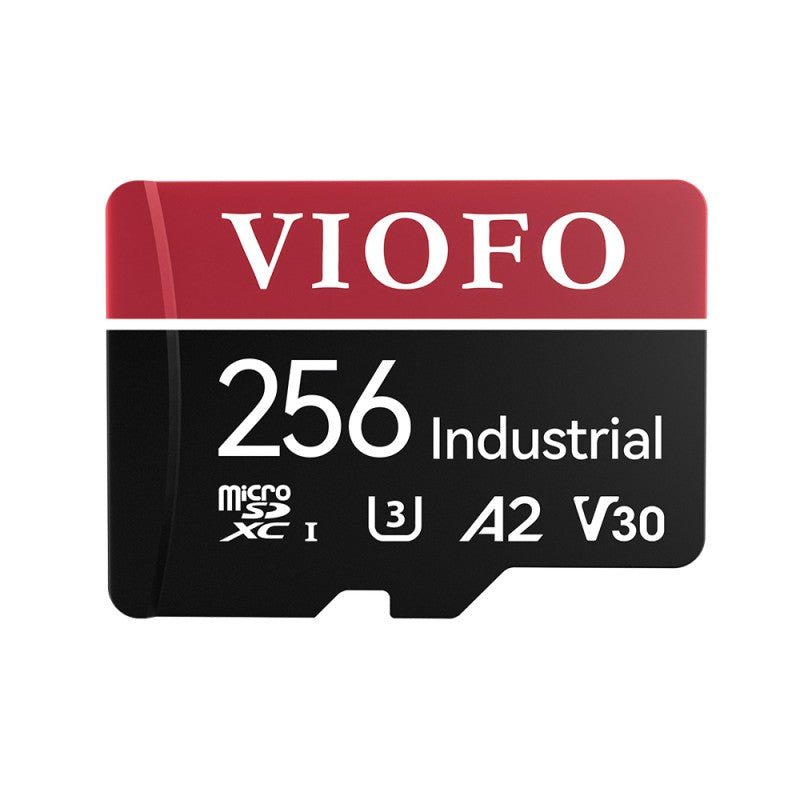
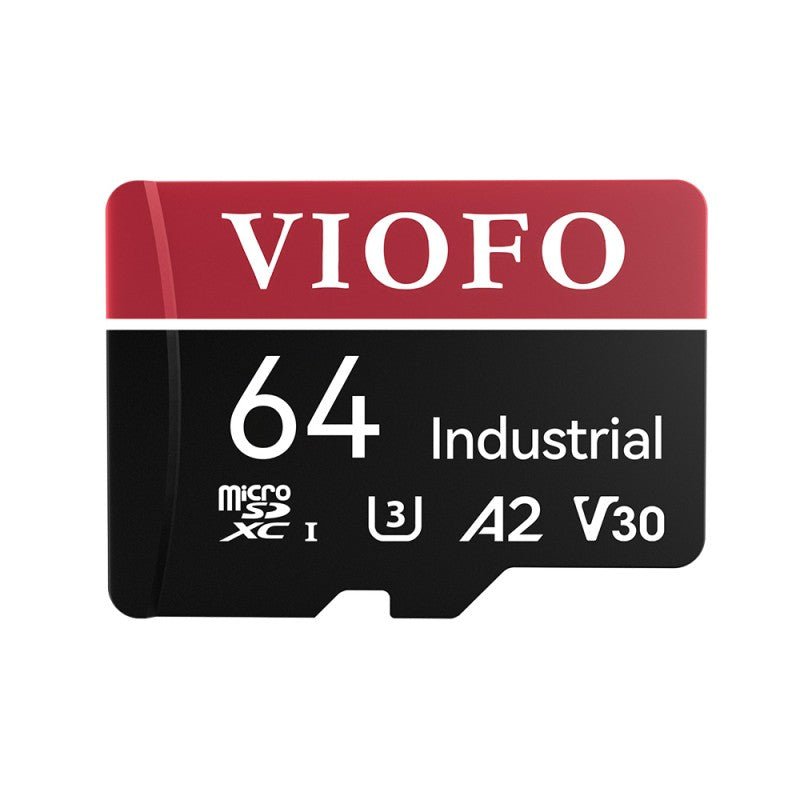
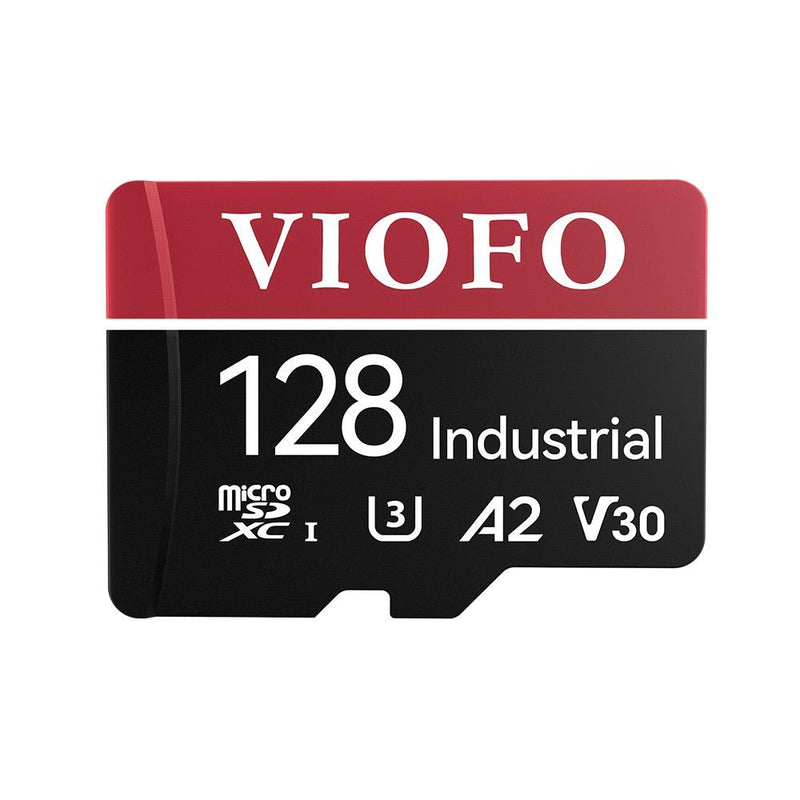
VIOFO Industrial Grade microSD Card, U3 A2 V30 High Speed Memory Card with Adapter, 32GB / 64GB / 128GB / 256GB Optional

$21.99 $26.99
More Details

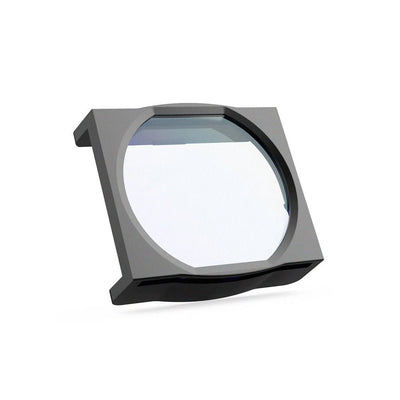
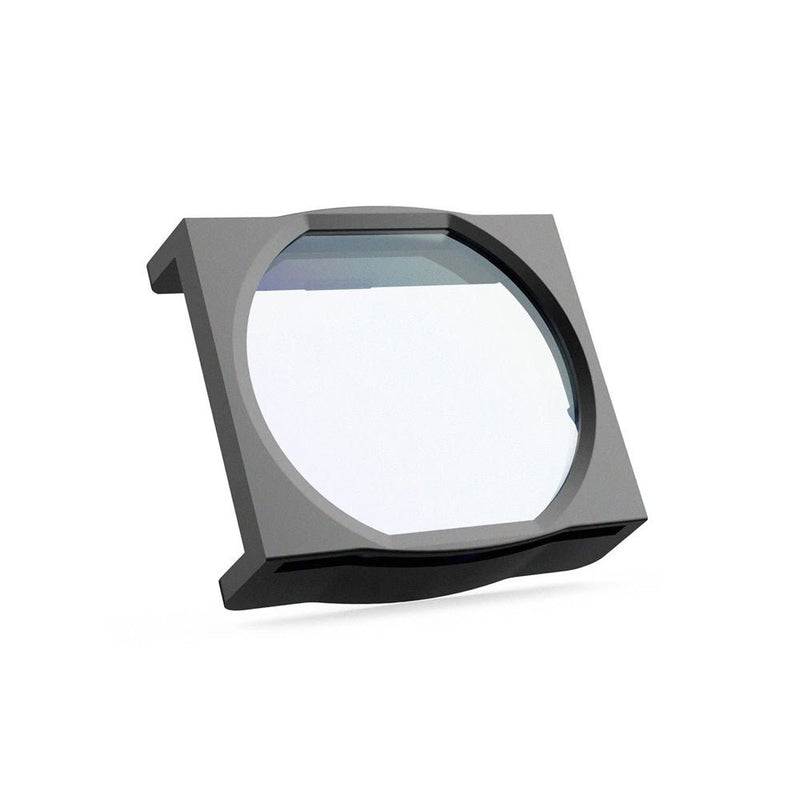
VIOFO CPL-100 Filter For A119V2/A119V3/A119MINI2/A119M Pro/A129 Duo/A129 Pro Duo/A129 Plus Duo

$16.99
More Details

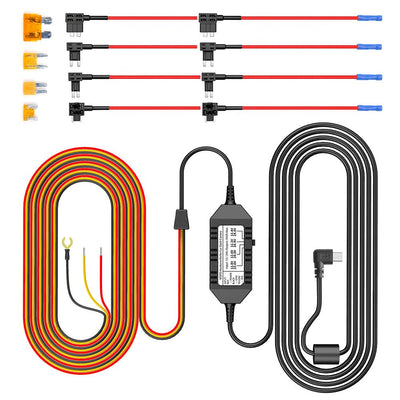
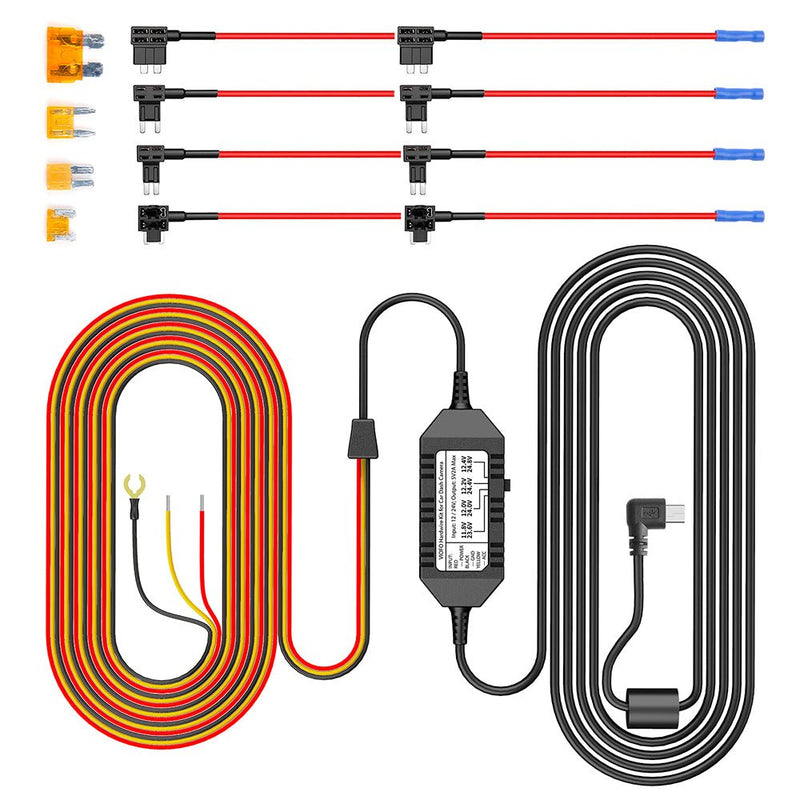
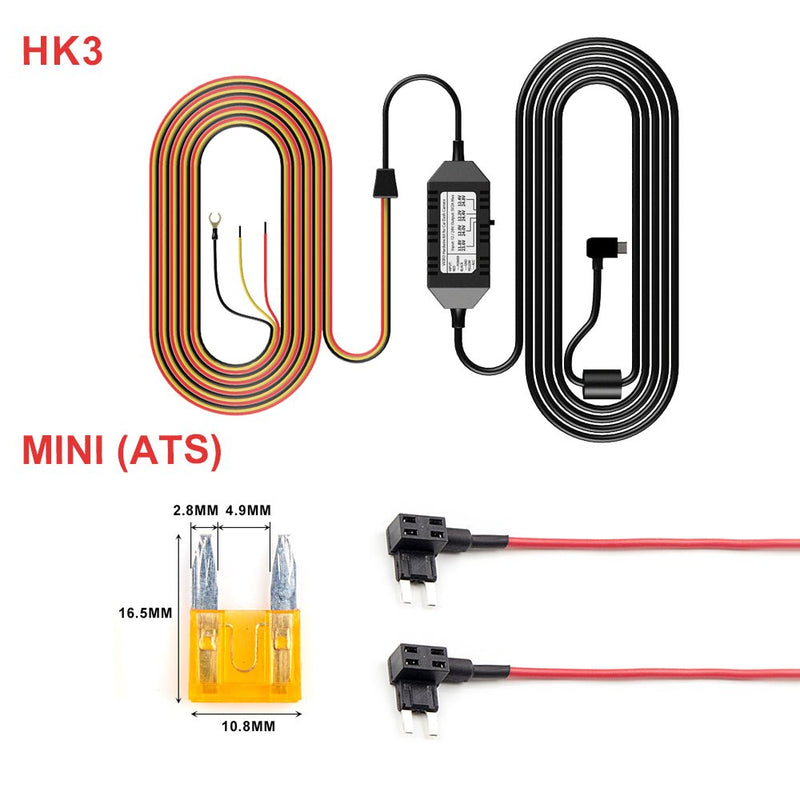
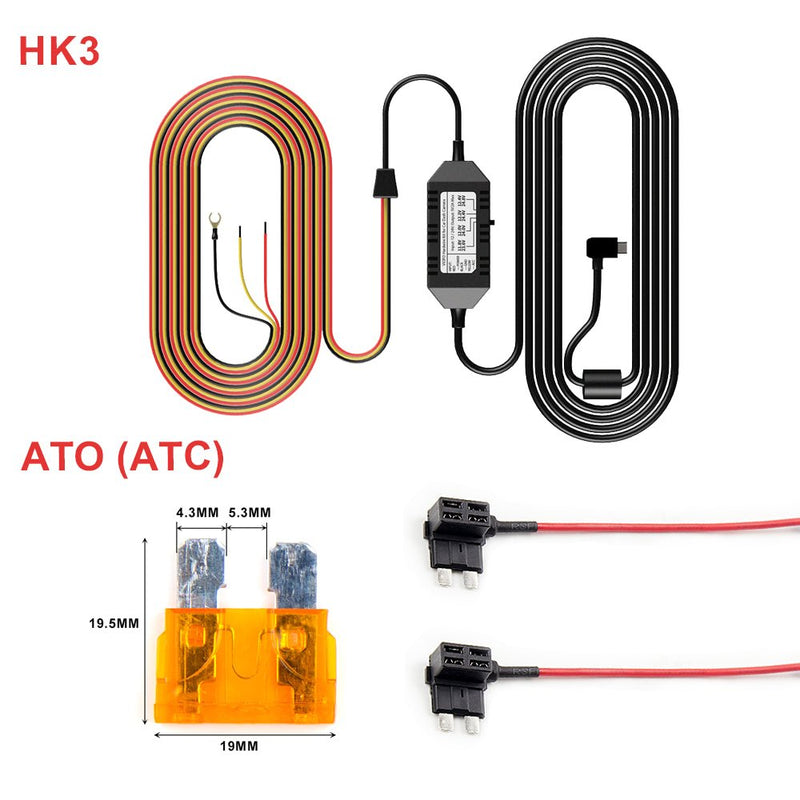
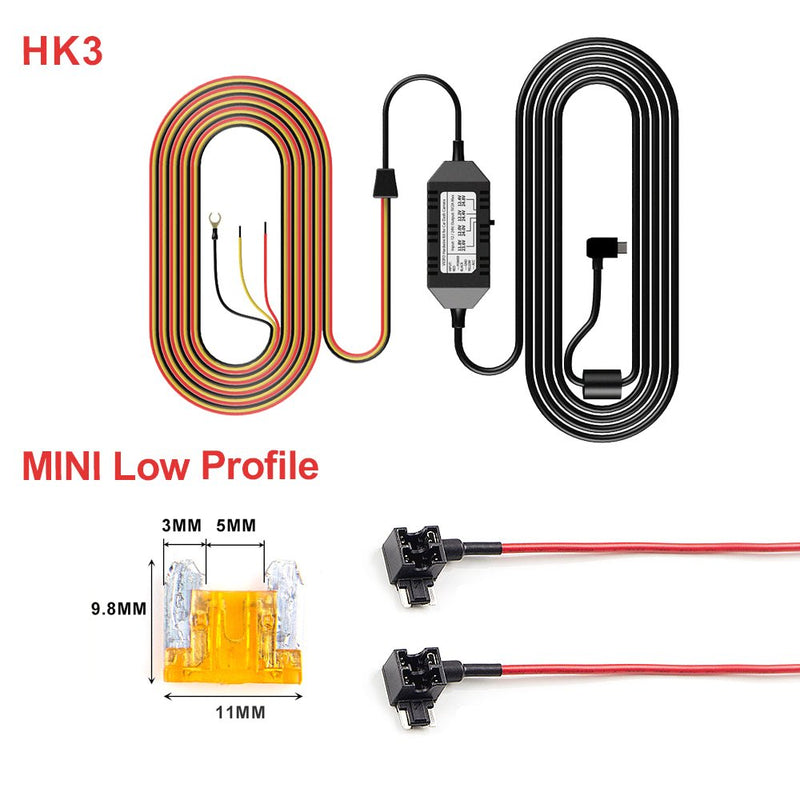
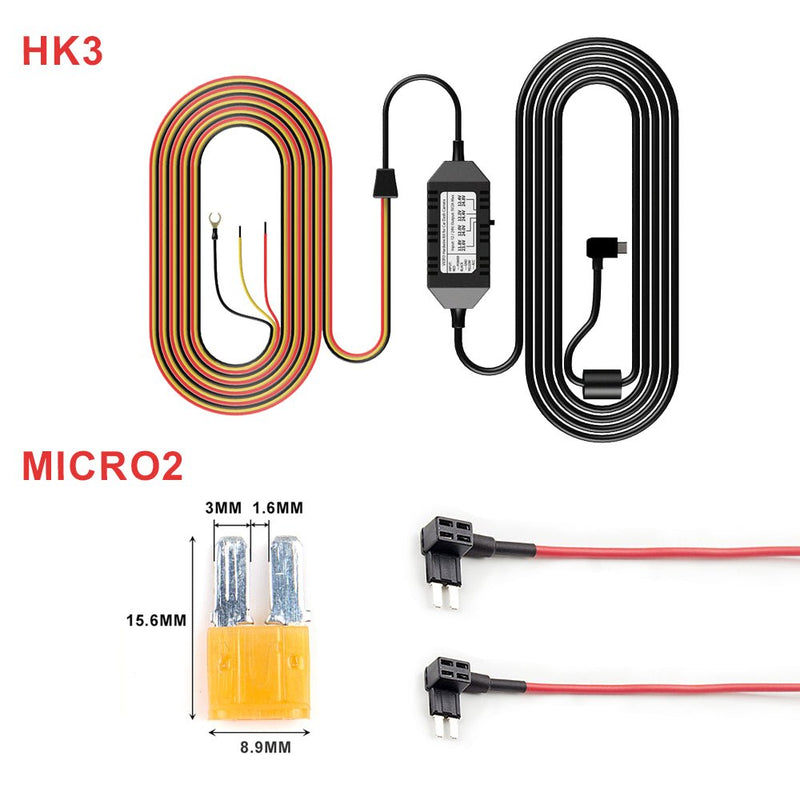
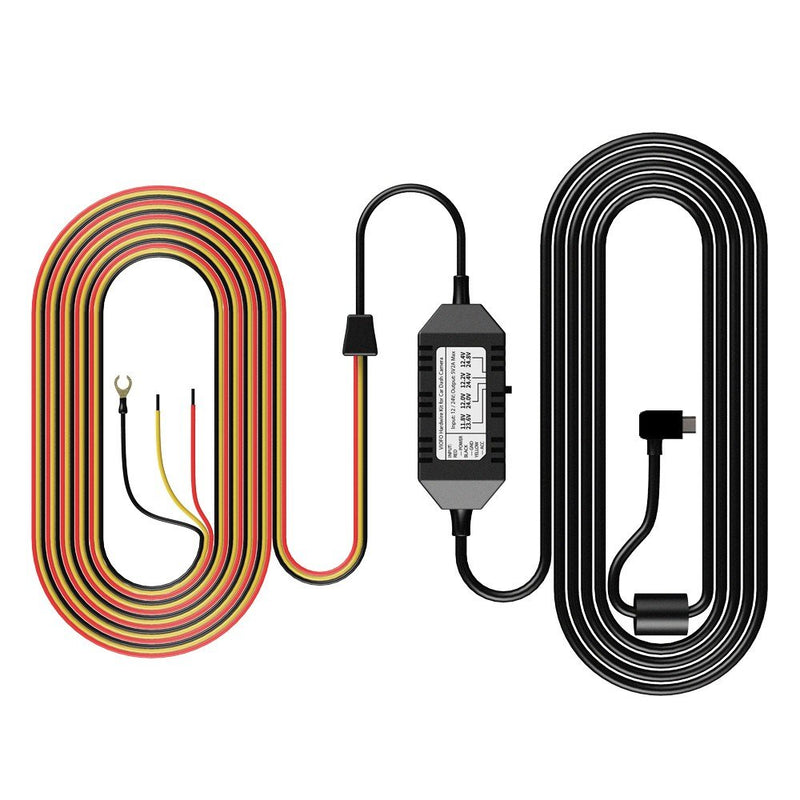
VIOFO Mini HK3 ACC Hardwire Cable For A119V3/A129 Duo/A129 Duo IR/A129 Plus Duo/A129 Pro Duo

$25.99
More Details
Subtotal
Sale price$114.49 Regular price$119.99

Product Information

  • Channels1-Channel
  • ChipsetNovatek
  • Image SensorSony STARVIS CMOS Sensor 5MP IMX335
  • Video Resolution2K (2560*1600P) 30fps
  • Wi-FiNot supported
  • BluetoothNot supported
  • CPLSupport CPL-100 (Optional)
  • Display2.0-inch High-Resolution
  • LensF/NO 1.6 FOV=140°
  • Video FormatMP4 / TS
  • Image FormatJPEG
  • Frequency60 Hz
  • G-sensorOff / Low / Middle / High Sensitivity
  • USB PortMini-USB Port
  • Hardwire Kit (Optional)HK3
  • Battery & ChargingNO Battery, build-in Super Capacitor
  • Micro SD CardUp to external 256GB microSD Card
  • Operating Temperature-20°C~65°C
  • Storage Temperature-20°C~70°C
  • Input PowerDC 5V / 1A
  • Size2.1×1.91×3.25 (In)
  • Parking ModeSupported (Auto Event Detection / Time-lapse / Low Bitrate Recording)
  • Buffered Parking ModeSupported
  • Time-Lapse RecordingOff / 100 ms / 200 ms / 1 Second / 2 Seconds / 5 Seconds / 10 Seconds / 30 Seconds / 3 Minutes / 5 Minutes / 10 Minutes
  • GPS LoggerBuilt-in
  • WDR/HDRHDR Supported
  • Voice NotificationNot Supported
  • Voice ControlNot Supported
  • Loop Recording1 min / 2 min / 3 min / 5 min / 10 min
  • LED Indicators/
  • MicrophoneBuilt-in
  • SpeakerBuilt-in

Dash Cams Comparisons

  • ${ item.name }
  • ${ value ? value: '-' }

Accessories

VIOFO Industrial Grade microSD Card, U3 A2 V30

$21.99
More Details

VIOFO CPL-100 Filter For A119V2/A119V3/A119MIN

$16.99
More Details

VIOFO Mini HK3 ACC Hardwire Cable For A119V3/A

$25.99
More Details

Video

Viofo A119 v3 Review: Best Affordable Dashcam of 2019

Viofo A119V3 QuadHD+ 1600P Car Dash Camera

Frequently Asked Questions

SD Card Recommendation SD Card Capacity Firmware Update Beep Sound
  • What SD Card is recommended for A119 V3?
    When it comes to choosing a microSD memory card, we only recommend VIOFO cards or Sandisk Max Endurance cards. This is essential for maximum compatibility and long-term stability. For more details, please refer to this blog: what-memory-card-is-recommended-for-a-viofo-dashcam
  • What is the maximum SD card it supports?
    A119 V3 supports microSD cards up to 256 GB. (Memory card format should be in FAT32 format).
  • Can I use the A119 V3 without utilizing the provided power cable?
    It use the Mini USB 5V 2A input, if you have other similar power supply, it is also OK.
  • Is there an app available for A119 V3?
    This camera doesn't support WiFi, so there is no app for this model. If you want to watch videos, you may use a USB cable or an SD card to download them to your computer or watch them on the dashcam directly.
  • Will A119 V3 support 1440P 60fps with HDR enabled?
    It can not support 1440P 60FPS with HDR enabled.
  • How to update the firmware?
    Please kindly update the firmware by following this hyperlink: Firmware Update
  • Why does my dashcam have a beep sound?
    1. Please use our recommended SD card and ensure it is formatted in FAT32.
    2. Use the original car charger or the hardwiring kit for testing.
    3. Perform a deep format of the SD card using the tool below (Do not choose quick format): Download Link
    4. To reset the camera, press and hold the 'R' button for several seconds, or restore default settings by the menu.
  • How can I view the recording?
    Method 1: Watching on the Dashcam
    ①Pause Recording: Press the REC button briefly.
    ②Open Recording File: Press the Emergency Lock button briefly.
    ③Play/Pause Video: Press the Emergency Lock button to play or pause the video. Use the REC and MIC buttons to navigate left and right.
    ④Return: Press the Power button to go back.
    Method 2: Using your Memory Card
    ①Insert the memory card into your laptop's card reader or use a USB card reader.
    ②Open the memory card on your laptop, find the folder containing the video files, and copy the files to your laptop's storage.

Reviews

Customer Reviews

Based on 9 reviews
89%
(8)
11%
(1)
0%
(0)
0%
(0)
0%
(0)
y
y.d.

GOOD.!

D
DC
Great Camera

This camera seems to be living up the hype. The video quality is good, it was easy to set up, and has all the features I wanted.

J
Jim

very pleased with purchase

K
Kent Dickson
awesome lil camera

This seems to be a great lil camera. Easy set up, easy to install and works great! If you're on the fence about, just jump off and get it.

B
BP
Great, quality camera

There's a reason this camera is the most recommended on red-it: it's good quality and no hassle. It's easy to configure, the videos are quality and include timestamp and gps coordinates, it gives a little beep when it turns on and then you forget it's even there. Hopefully I'll never need to use it, but the $250ish I spent on this product plus install is well worth the extra protection in the event something bad does happen.

A329_01.jpg__PID:1f6feccd-448a-483a-96f9-db614981e793
官网详情_07.jpg__PID:1cfc7a00-fbfa-48f9-b80a-62a83d0913eb

Recommended By

A329_01.jpg__PID:1f6feccd-448a-483a-96f9-db614981e793
20240627172929.jpg__PID:32d3c238-4fd3-4299-8b79-f59709a27b36